The act pack is one message to every accepted act with what it needs for the day: call time, running position, venue, how to get in, tech, the on-the-day contact and its pass codes.
Write and send it
- 1
Open the festival, then Act pack.
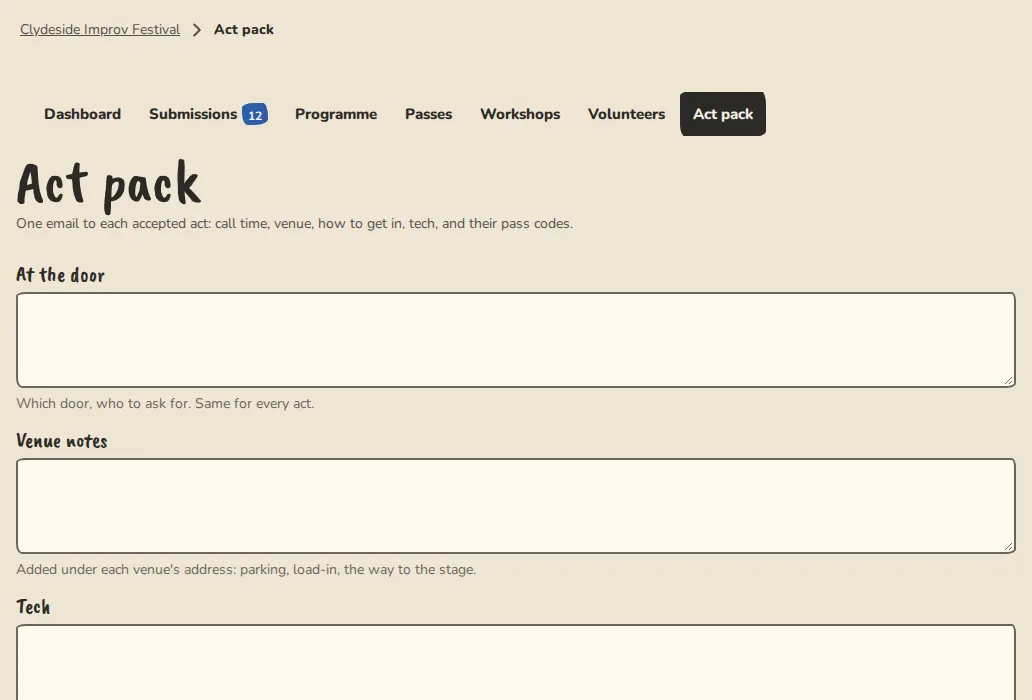
A festival's act pack page on a computer: arrival times, tech details and comps. - 2
Fill in At the door, Venue notes, Tech and the On-the-day contact. These are the same for every act.
- 3
Leave Include each act's pass codes on, and issue the performer comps first (Passes, then Performer comps) so the codes are in it.
- 4
Tap Save and send. The packs go out over the next few minutes, one email to each act in a show, with its call time, running position and the venue's address and a map link.
- 5
Sending again does nothing unless you have changed the pack. Acts that are not in a show yet are skipped until they are.
Acts in several shows
- 1
An act that plays more than one show gets one pack that lists each show with its own day, call time and place.
- 2
The pack names only the venues that act plays. It never lists the others.
Good to know
What it doesn't do yet
Try it in a sandbox
Make a private copy with made-up people and follow these steps without changing anything real.
Still stuck?
Write to us from the contact page. Say which page you were on and what you tapped.