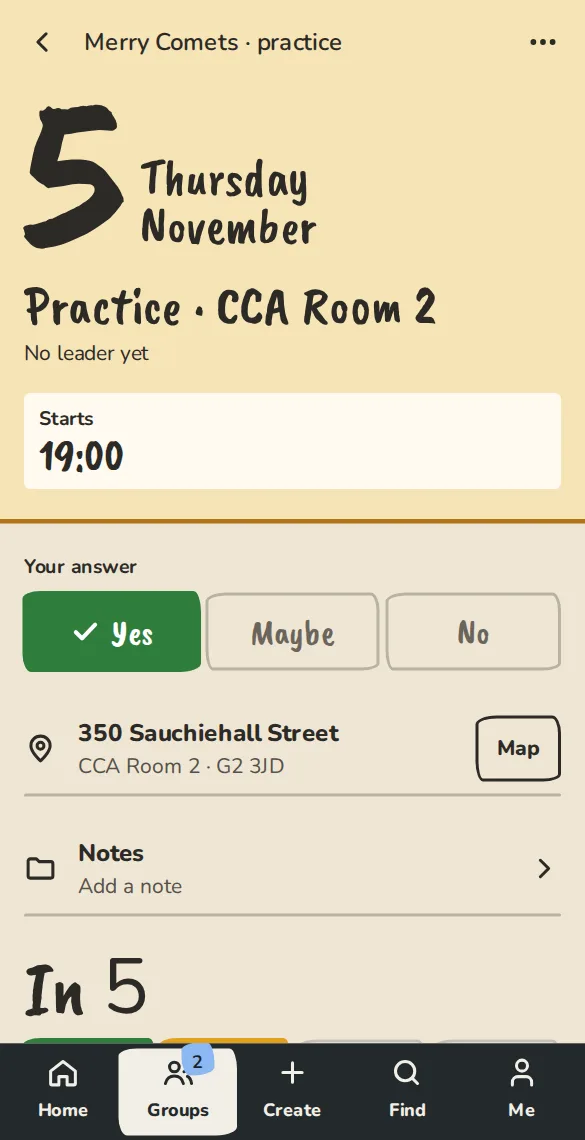
One-tap answers
Answer Yes, Maybe or No from an email, a notification or a link in the group chat, without logging in.
We built ImprovTeam so whoever runs the group can stop chasing answers in the chat. Pick who you are below and we’ll show you what’s there.
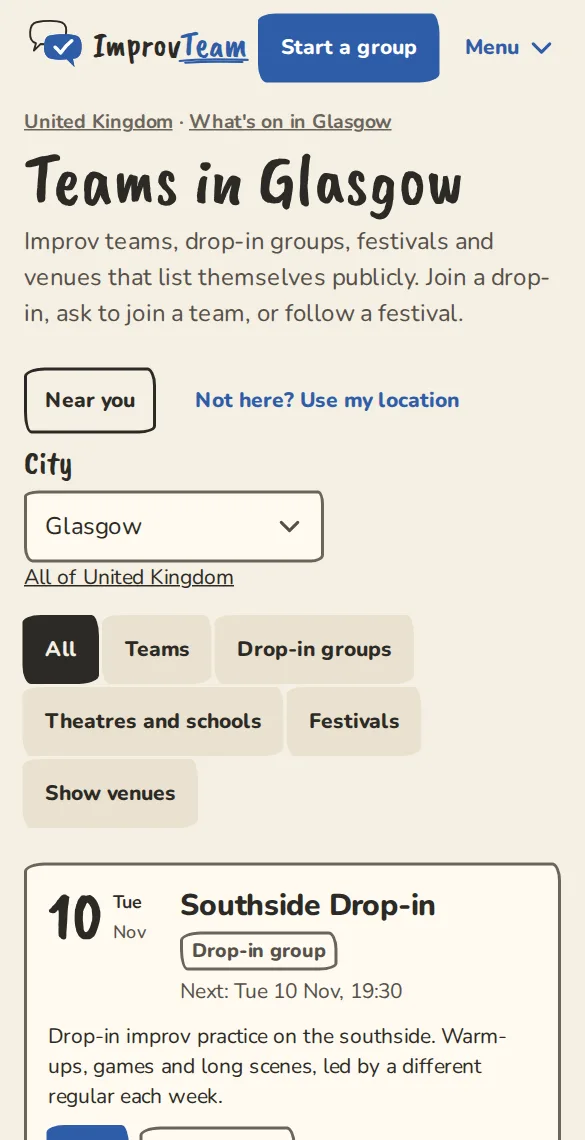
ImprovTeam is also a directory of improv teams, coaches, theatres, courses and festivals in your city. You don’t need an account to look.
One schedule everyone answers, with the team’s money and craft beside it.
Answer Yes, Maybe or No from an email, a notification or a link in the group chat, without logging in.
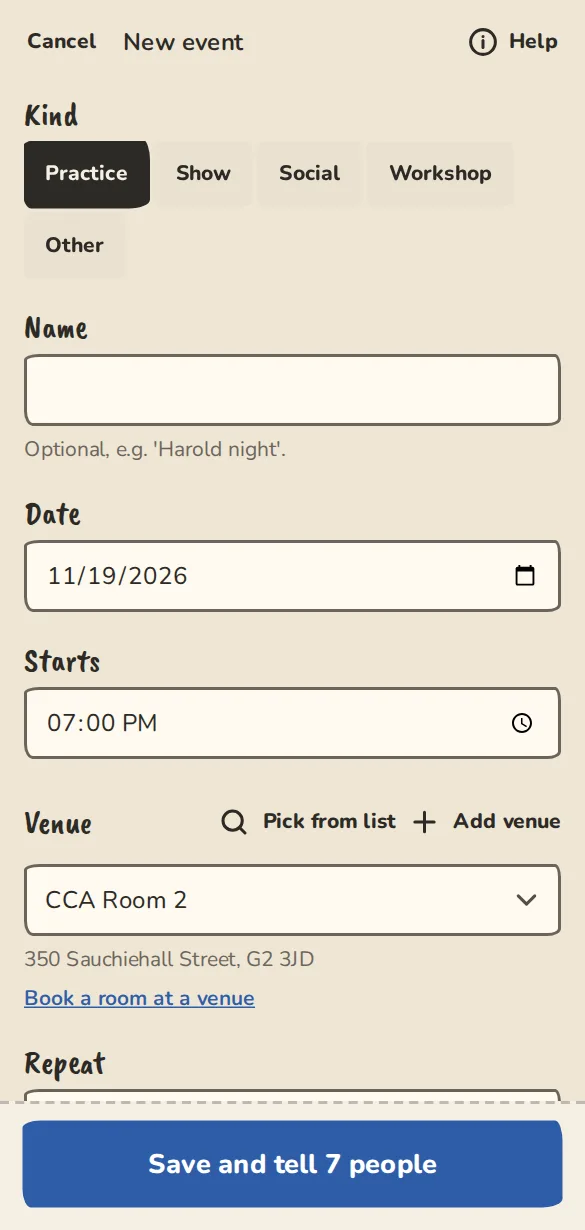
Practices, shows and socials on one grid, with everyone’s answer in it. Repeat one weekly, every 2 weeks or monthly (the 2nd Tuesday, say).
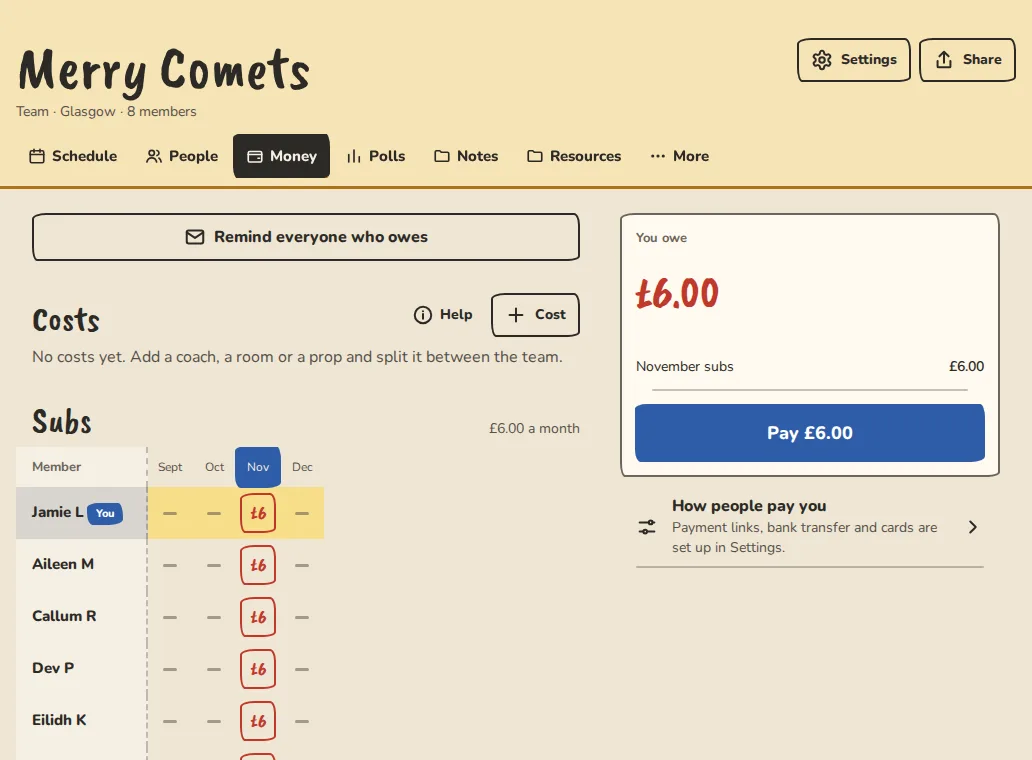
Subs, a coach’s fee or the room, split between the team. Everyone sees what they owe, and you can mark it paid.
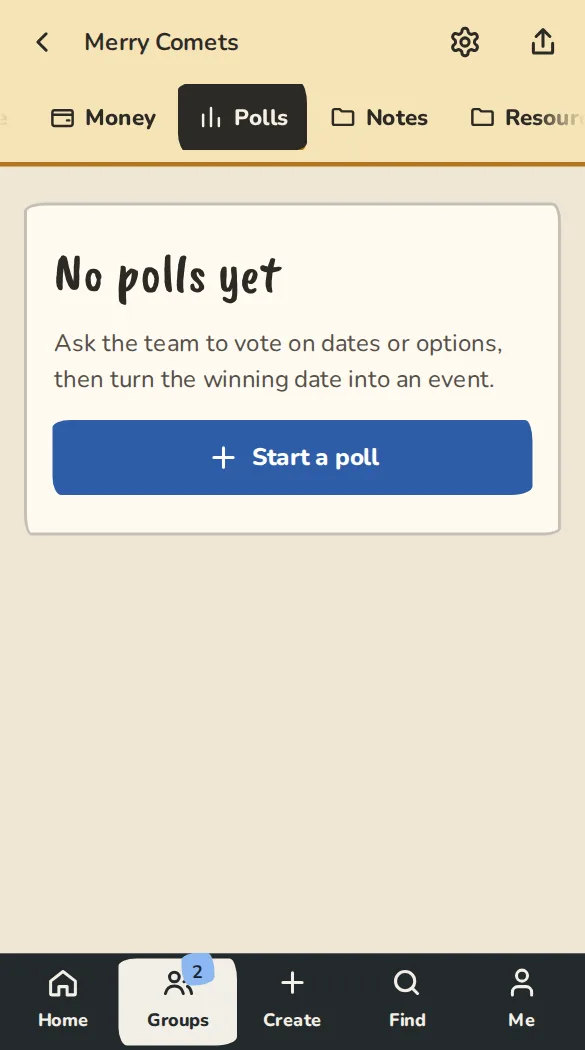
Settle the practice night or the team name with a vote.
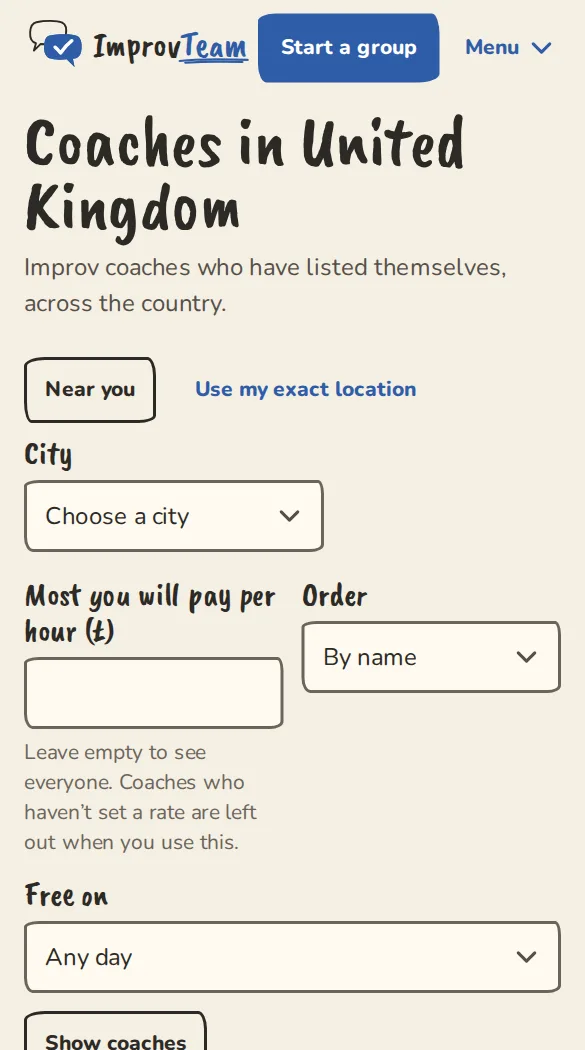
Book a coach by the hour from your city’s directory, and pay them directly.
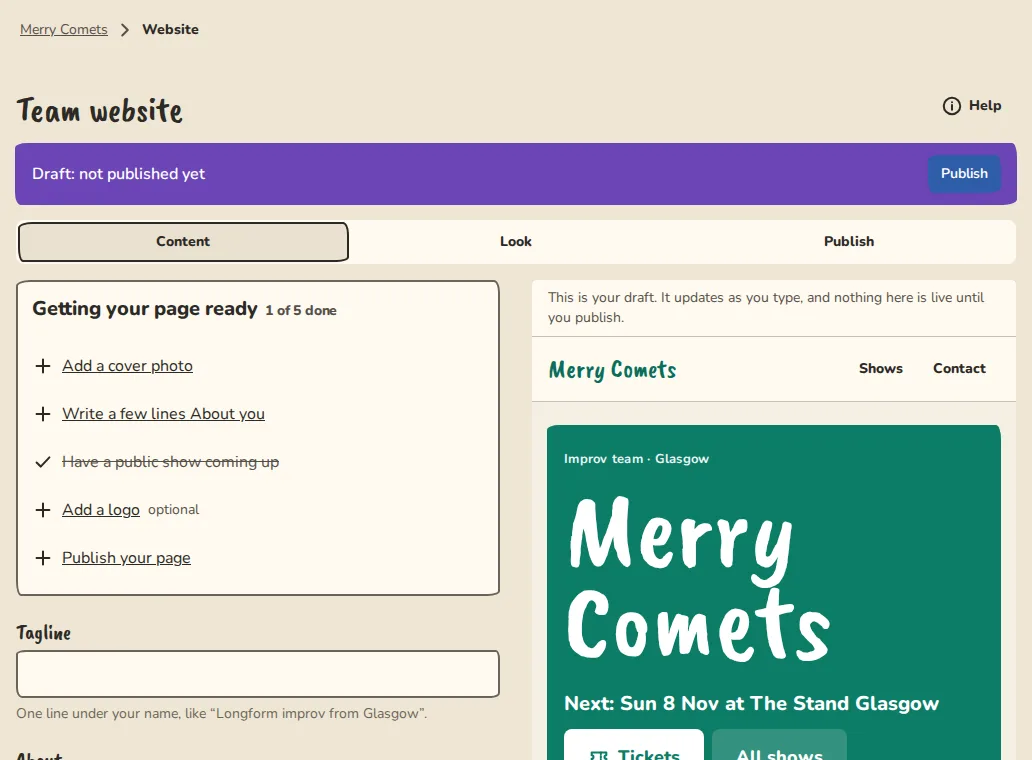
A site at yourteam.improvteam.com or your own domain, with pages, a menu and sections for shows, classes, workshops, instructors, FAQ and more. Start from a template for a theatre, a festival or a team.
Sign-ups with a cap, and a waitlist that moves the next person up when someone drops out.
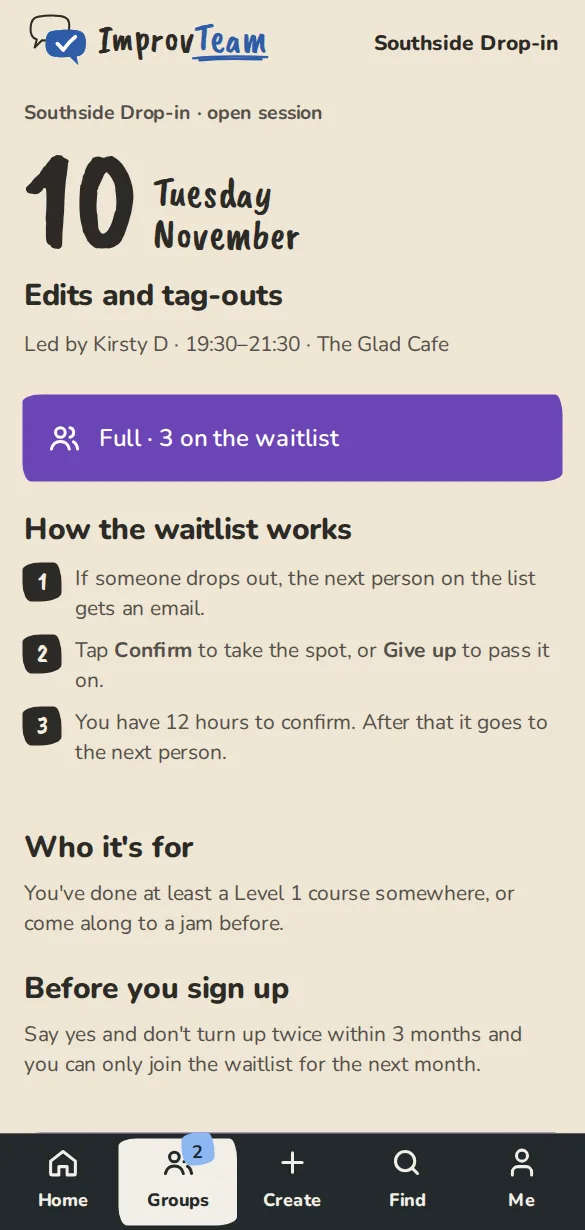
One tap for members. Guests need only a name and an email.
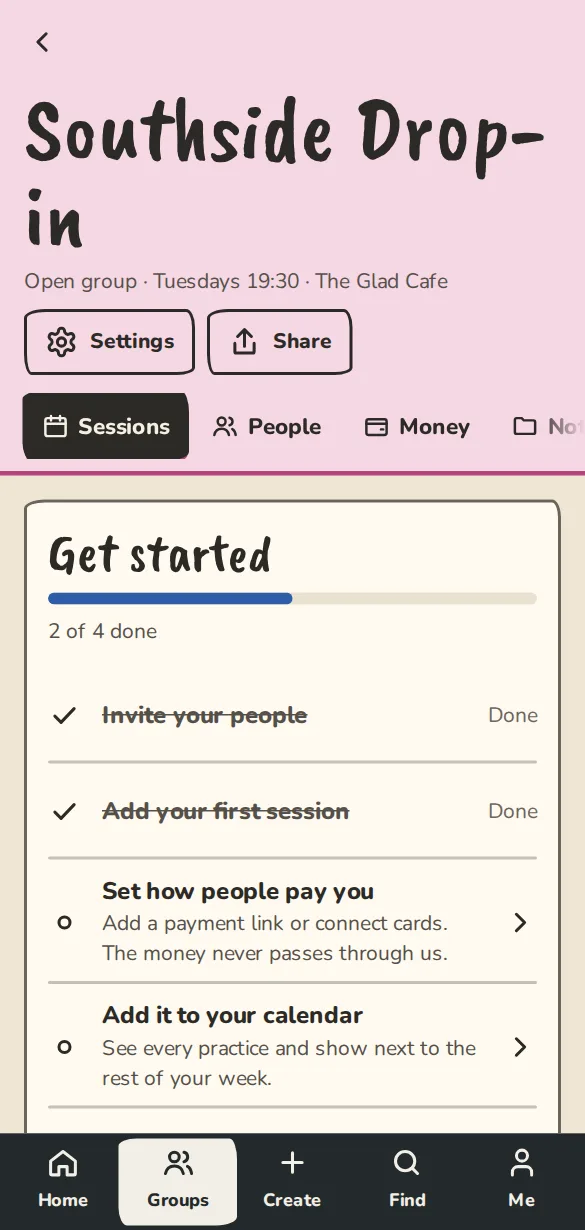
When someone drops out, the next person gets an email and a set time to take the spot.
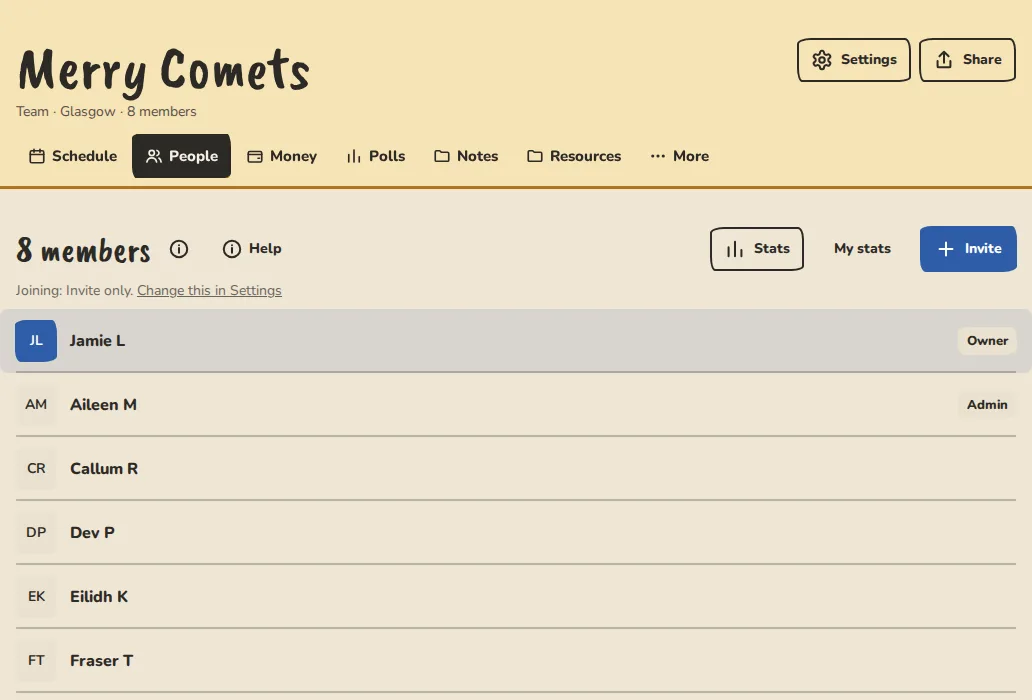
A “First time” label on the list, so you can say hello.
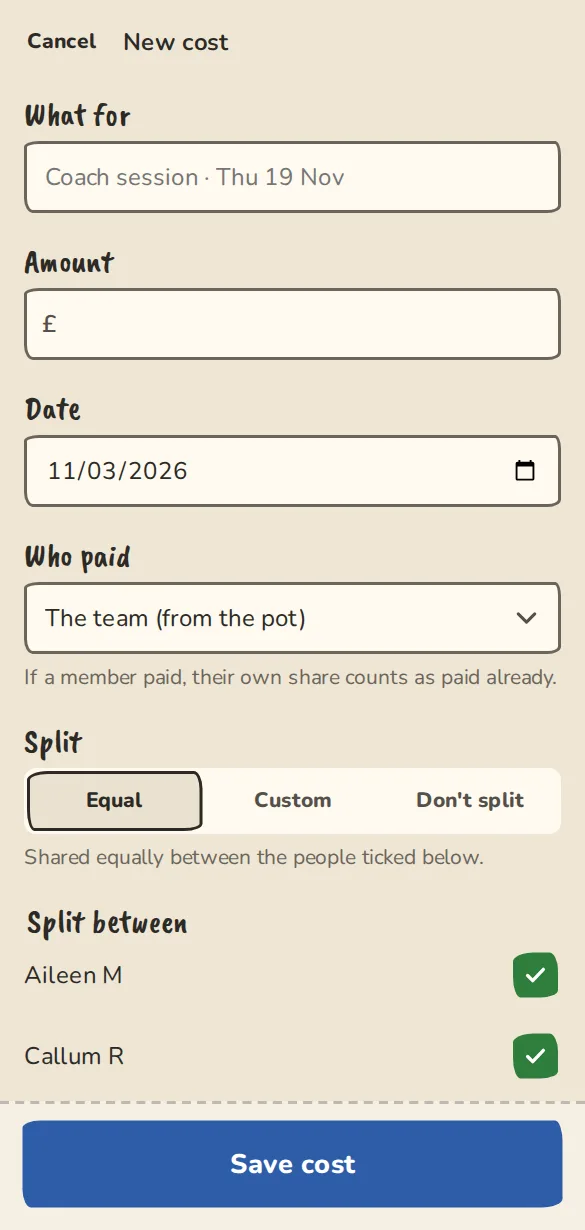
The room cost, split between whoever came. Everyone sees their share before they pay.
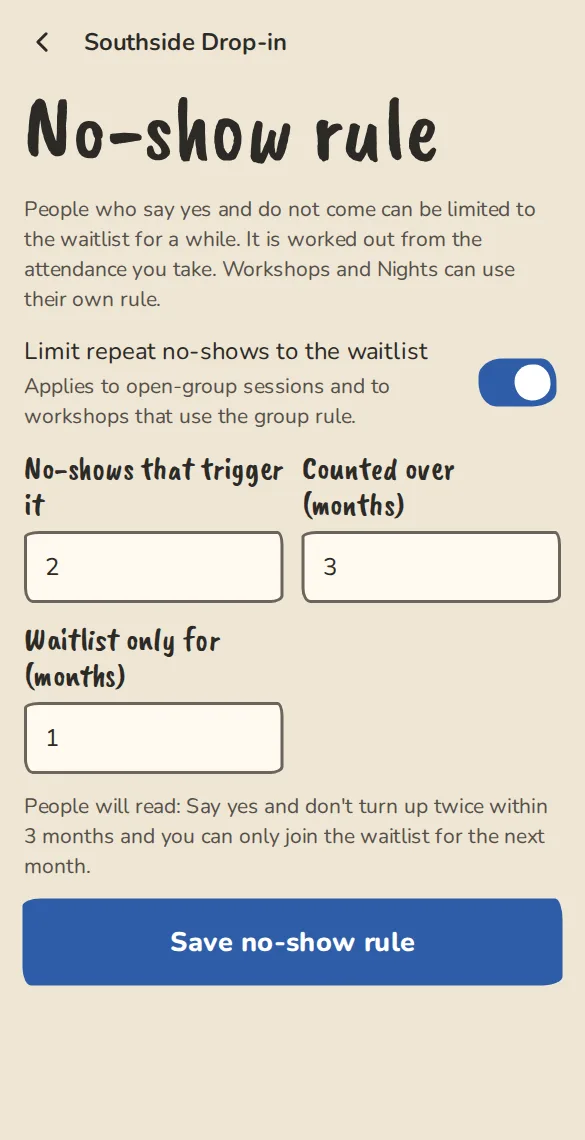
Two no-shows in three months and someone joins from the waitlist only, for a month. You set the rule.
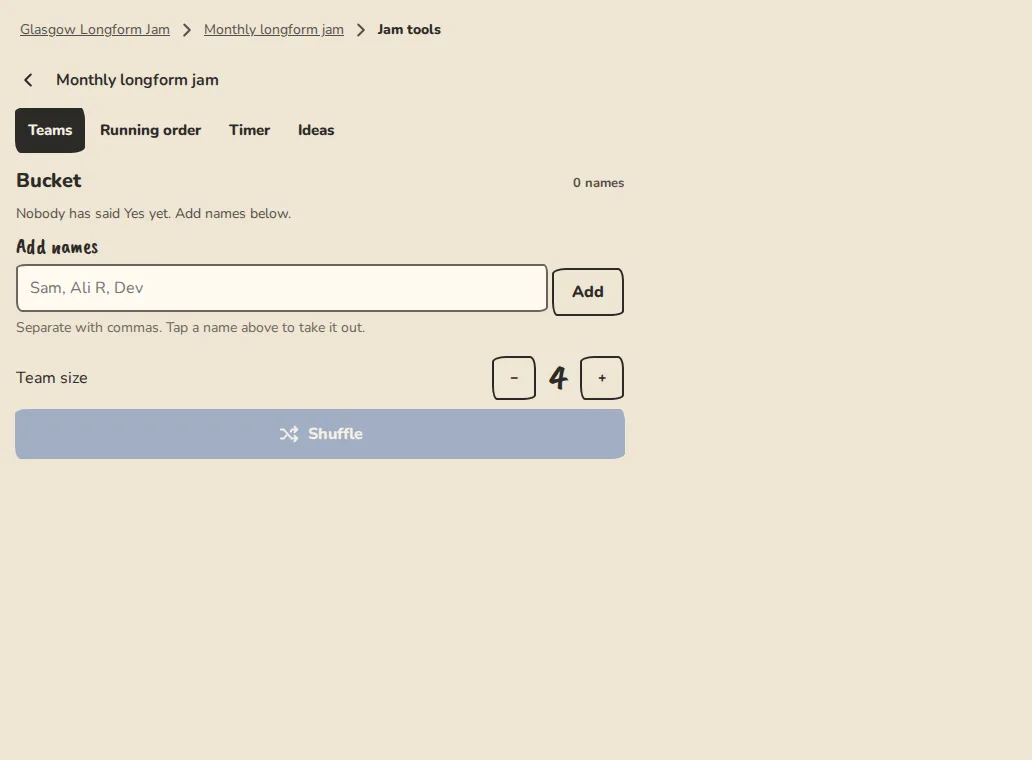
Draw the whole room into teams of about 8 and share the performance time between them, or pull names from a hat. Ring the bell on time and put it on the big screen.
From the first application to the last name on the door list.
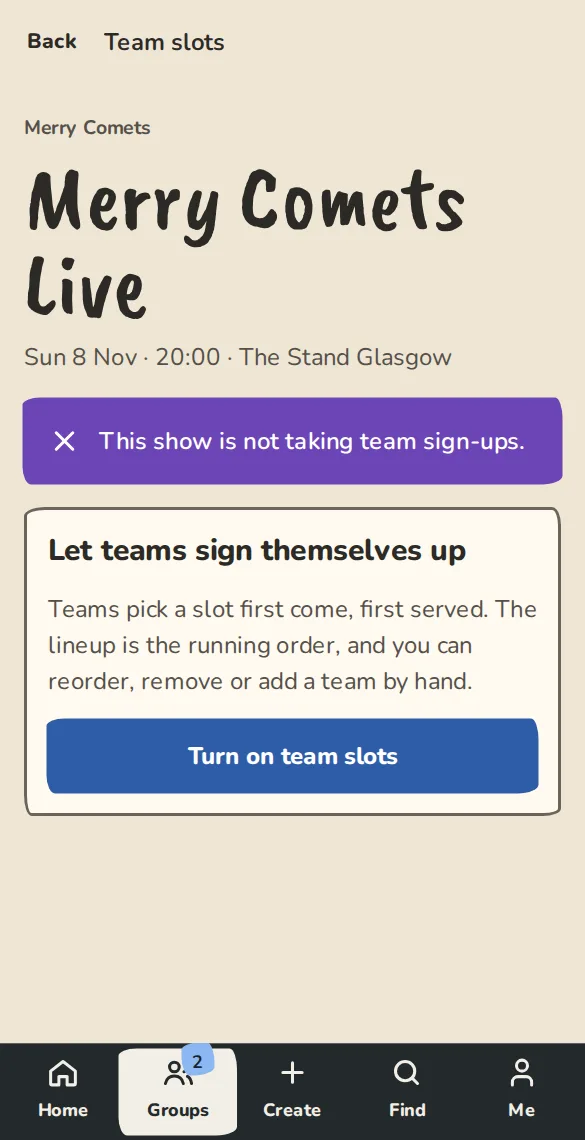
Open team slots on a show or a jam. Teams sign themselves up, first come first served, and a full show keeps a waitlist.
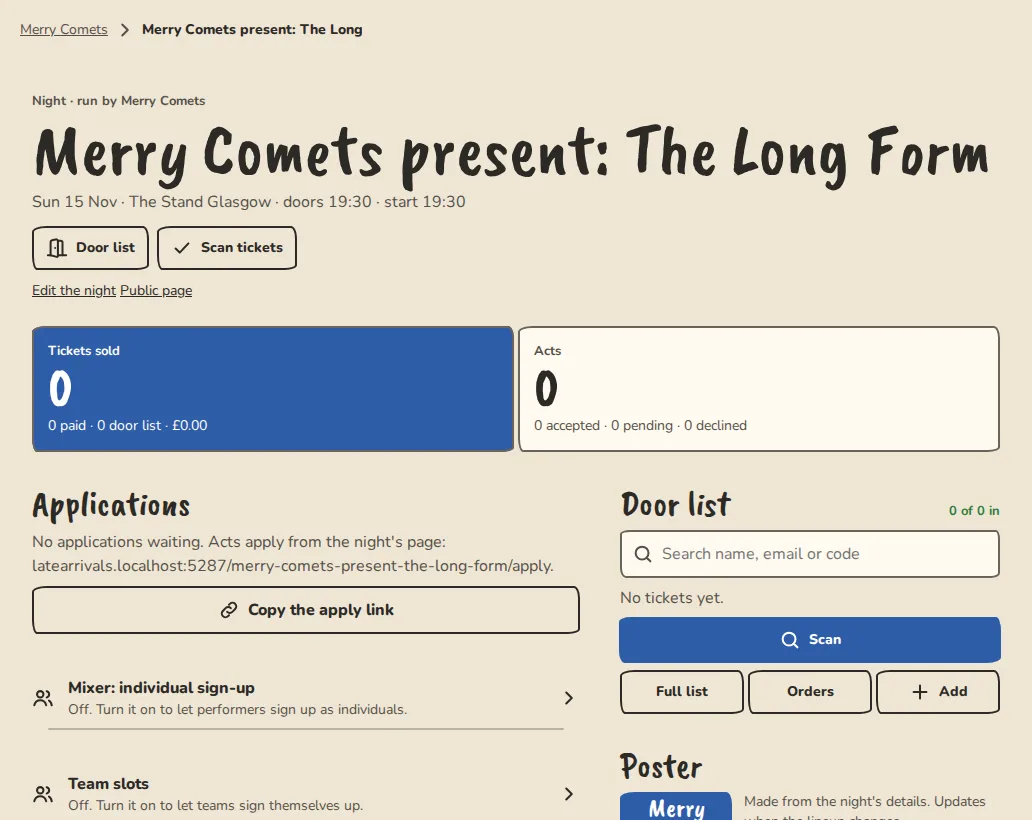
Set the order, add an interval and a host set, and see when the last act is off.
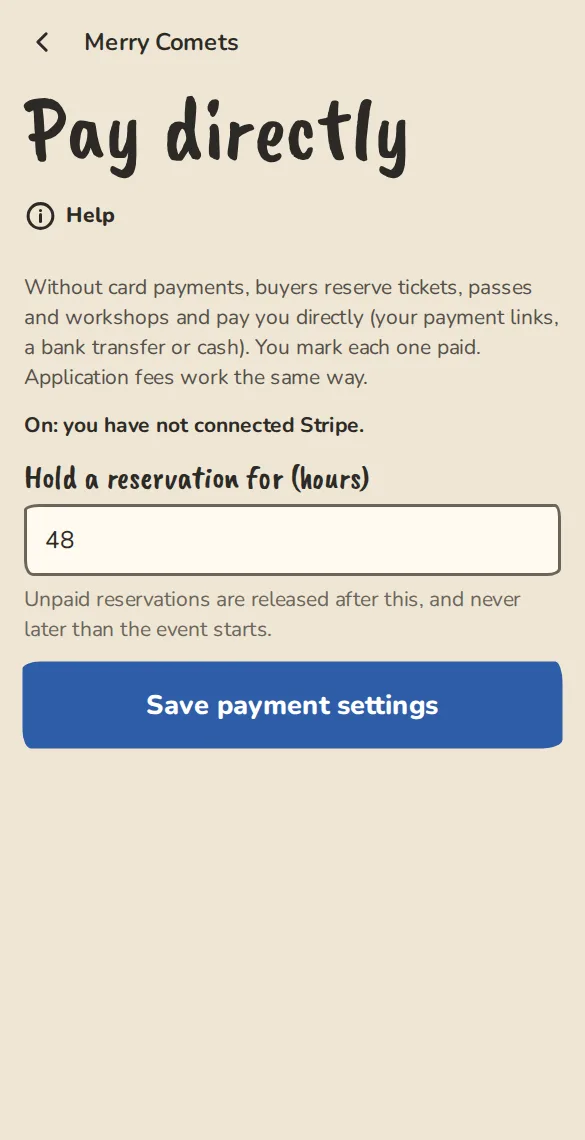
Free or paid, with a cap per type. Card money goes to your own Stripe account, or people pay you directly. When it sells out, a waitlist holds each returned ticket for the next person for 12 hours. Cancel the show and every ticket holder gets one email. Selling on Eventbrite or Ticket Tailor instead? Link to it with a "Get tickets" button.
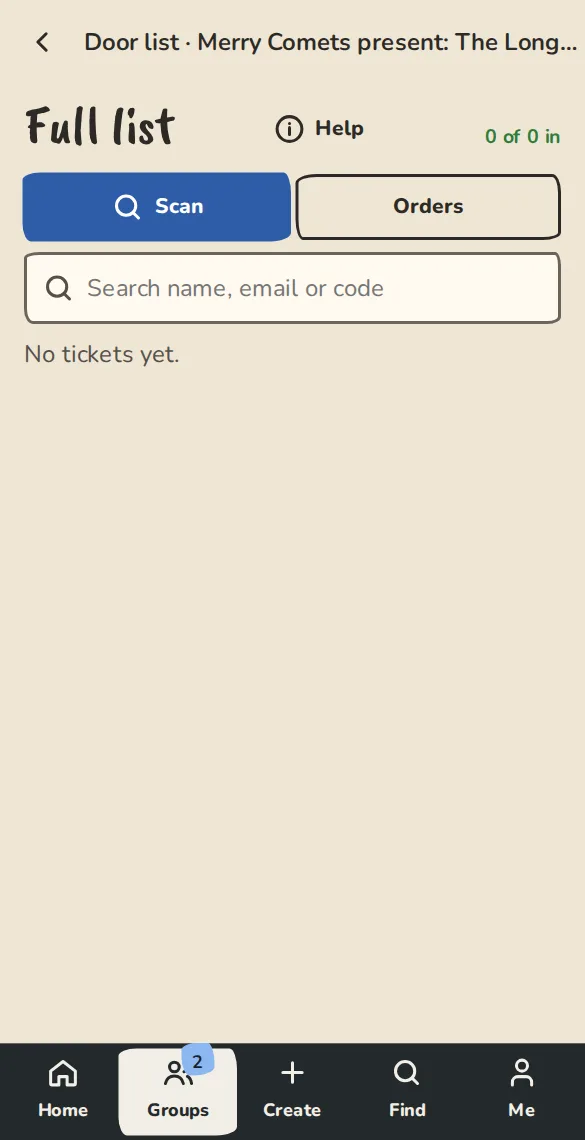
Open the door page once with a signal. After that it scans with none, keeps the scanner open between tickets, double-checks each code and flags a ticket that two phones let in.
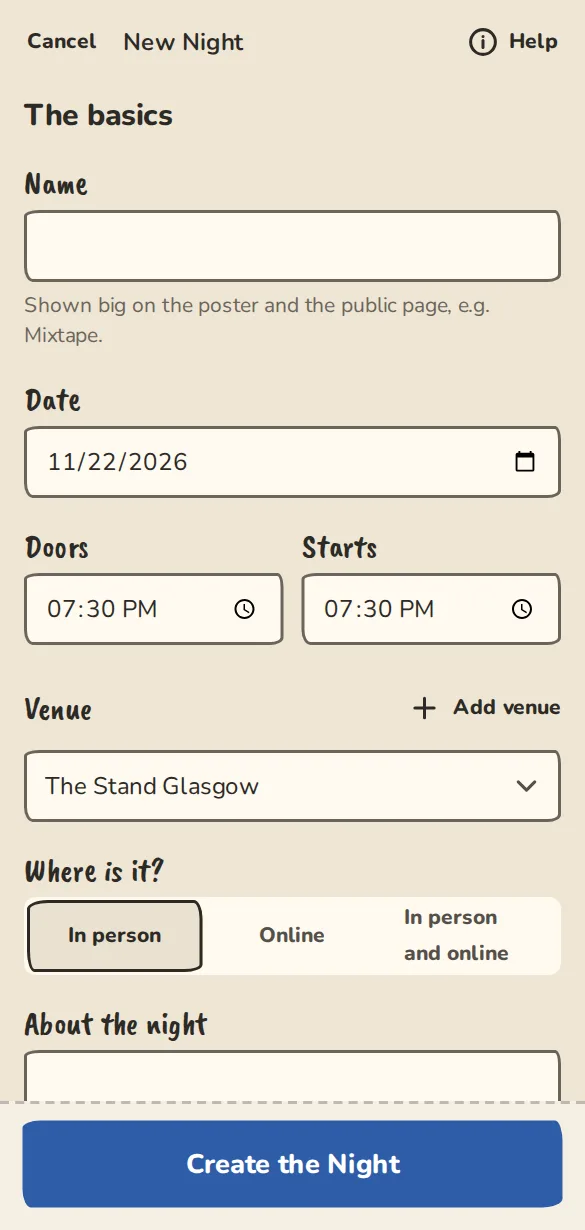
An optional “How did you hear about this show?” question at checkout, switched on per show, and totals for organisers once five people have answered.
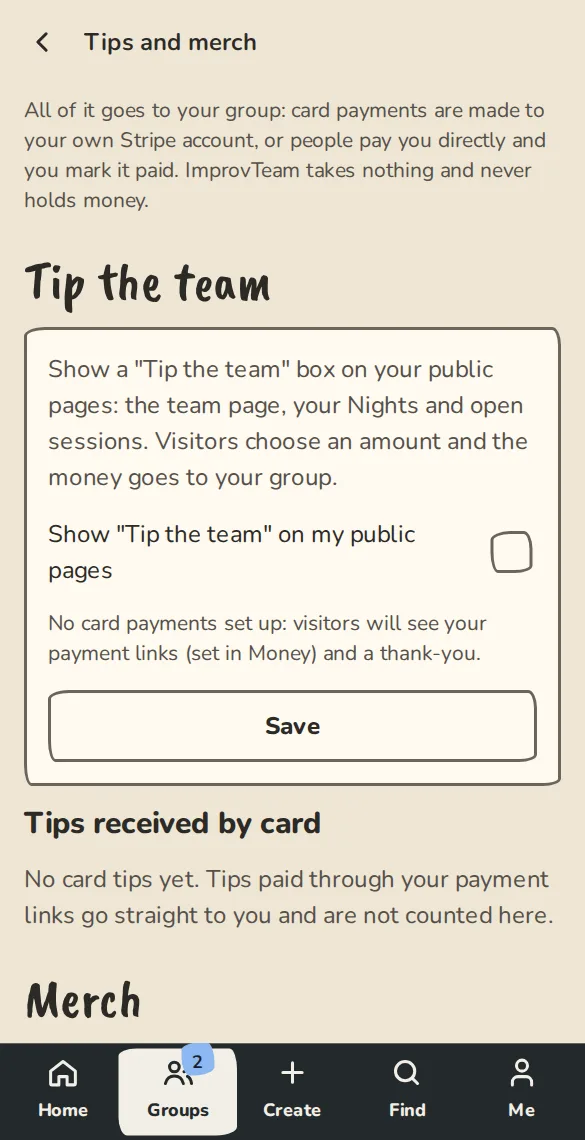
Take tips and sell T-shirts from your page. The money goes to the group.
Applications come in through one form, and you build the programme from them.
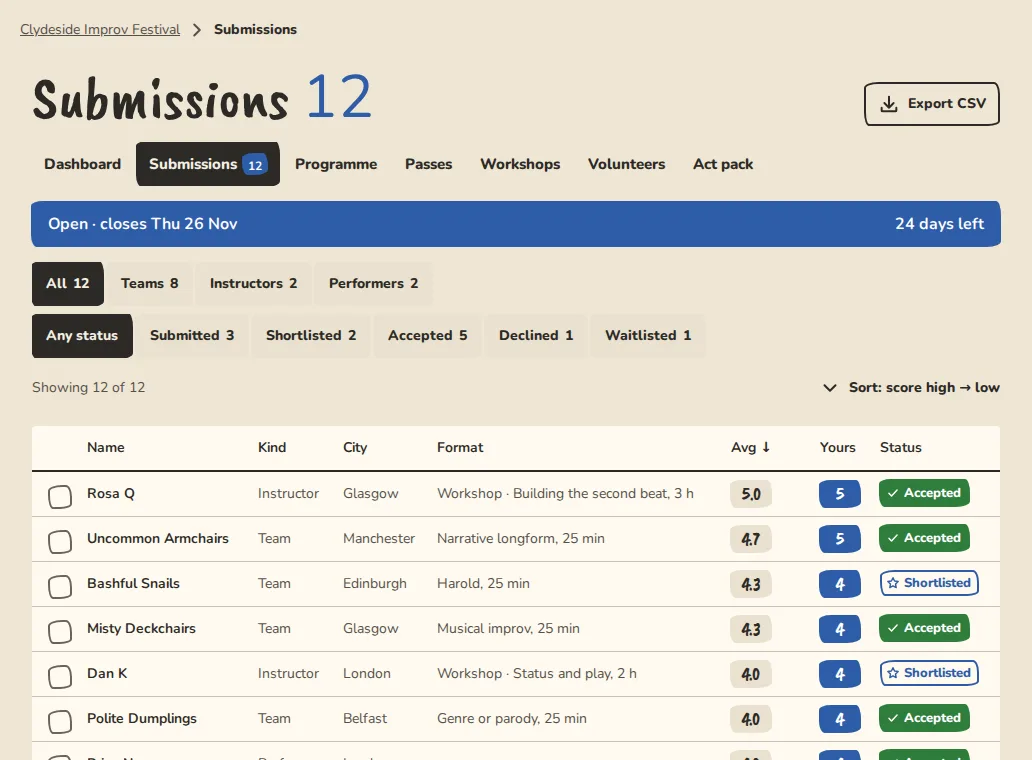
A public form for teams, performers and workshop leaders, with an optional fee.
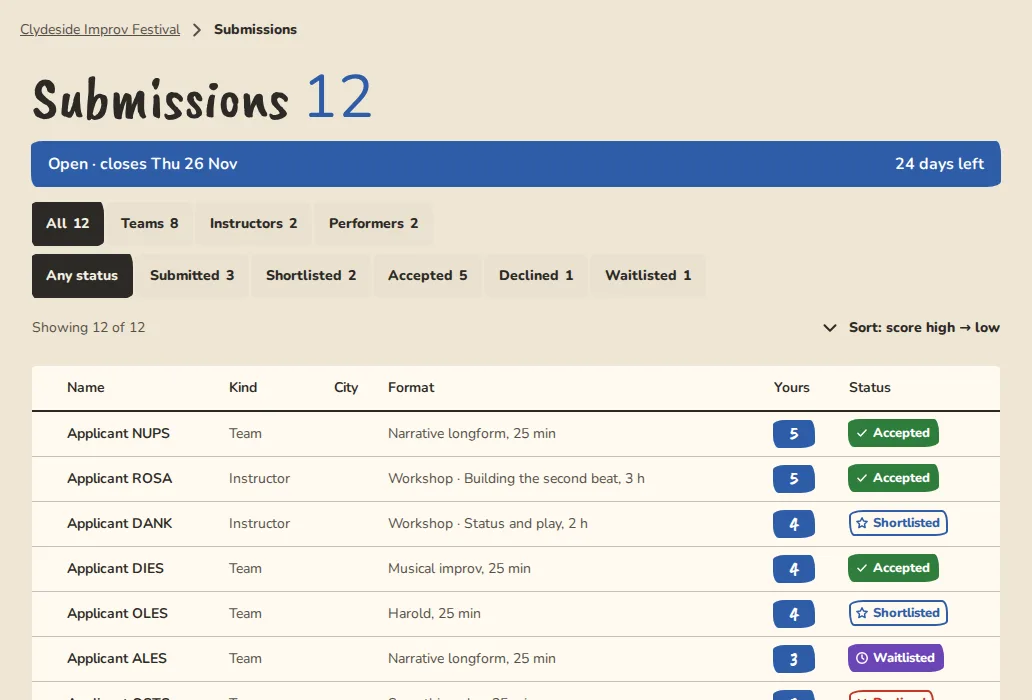
Score with up to five criteria, share applications out between reviewers, recuse yourself from one you know, and turn on blind review so reviewers do not see who applied. Decisions go out by email.
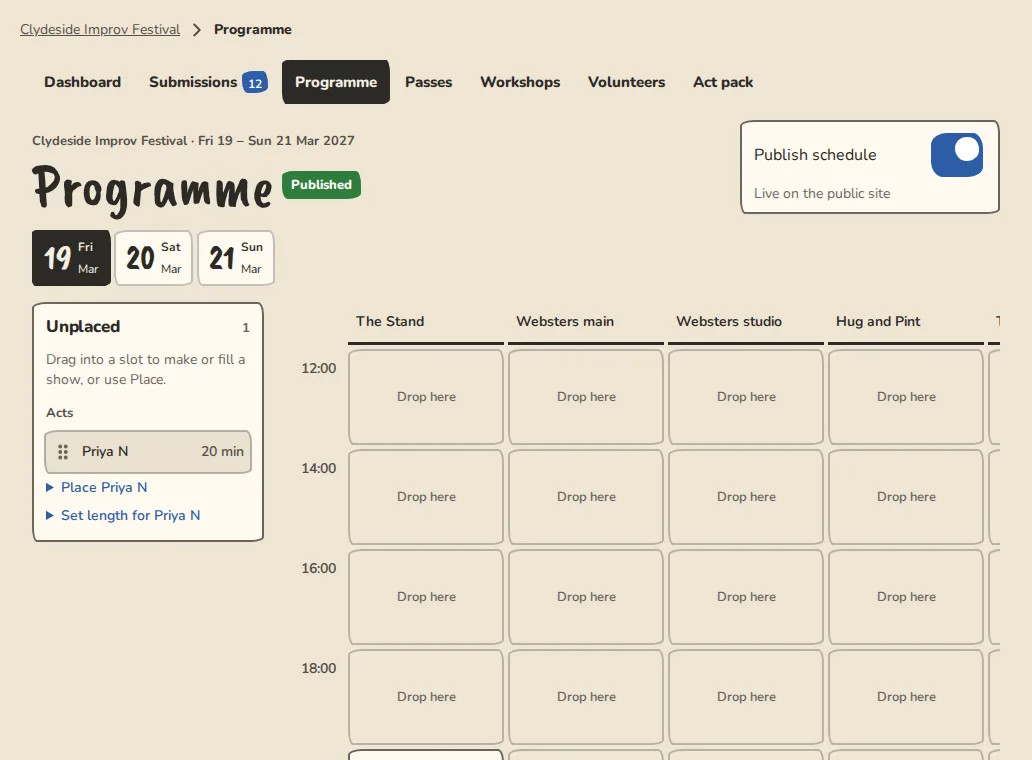
Drag acts into shows on a laptop, or tap them into place on a phone. Clashes are flagged before they happen.
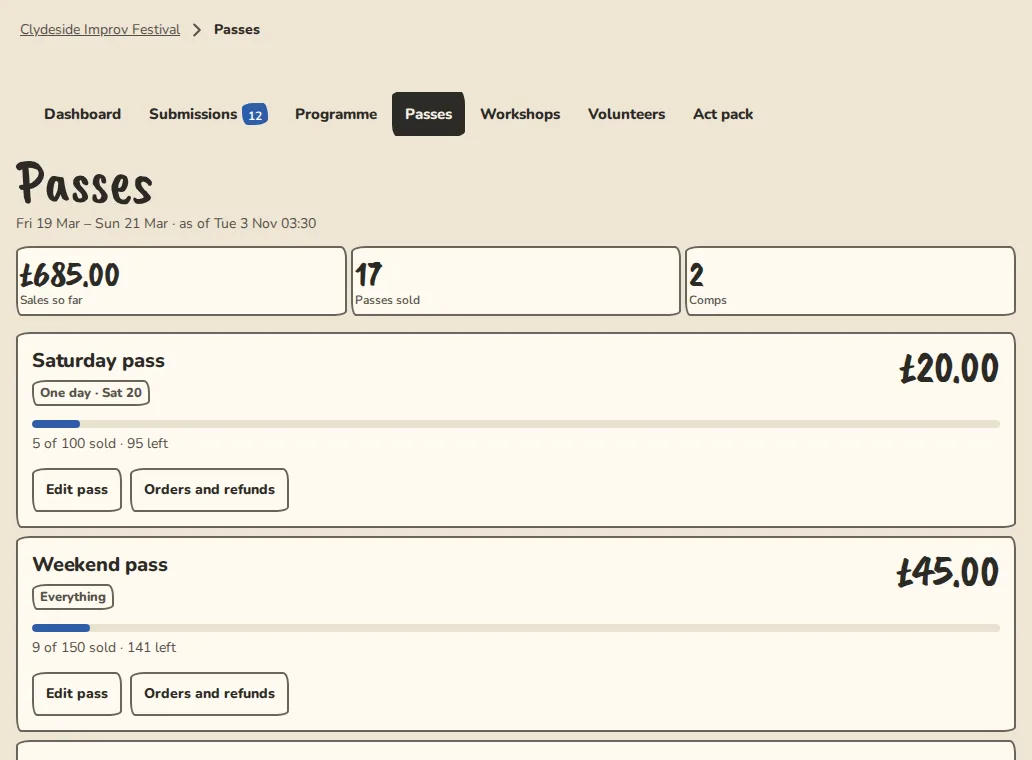
Day and festival passes, free or paid, plus comps for guests.
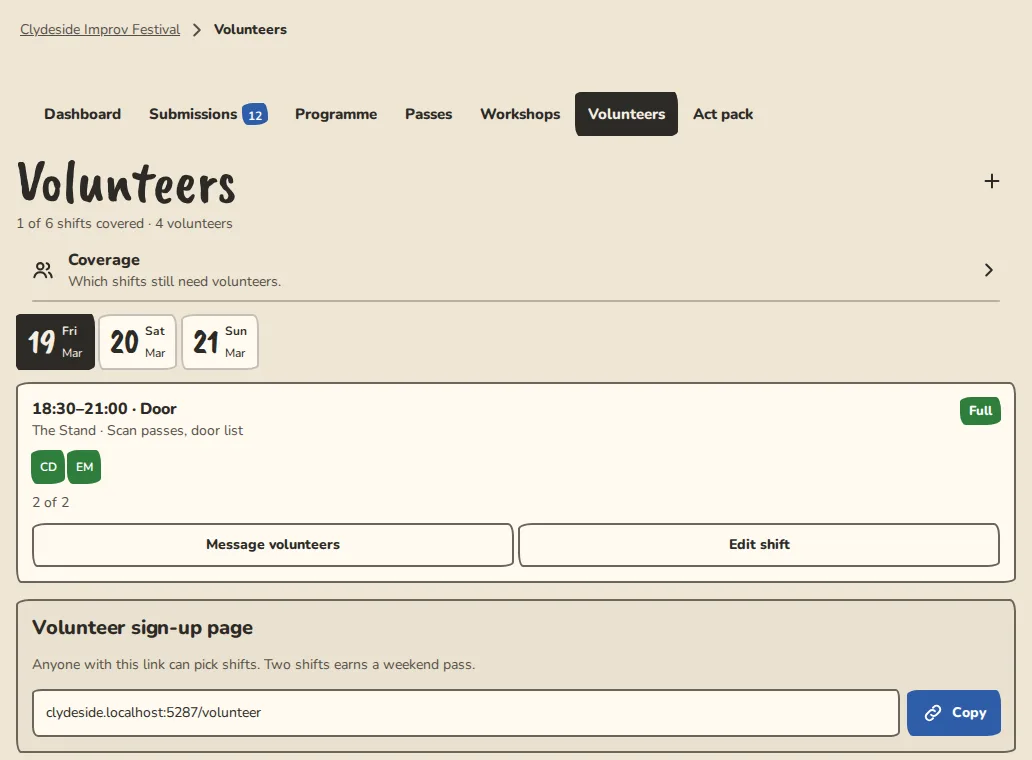
A rota that shows the gaps, and a reminder before each shift.
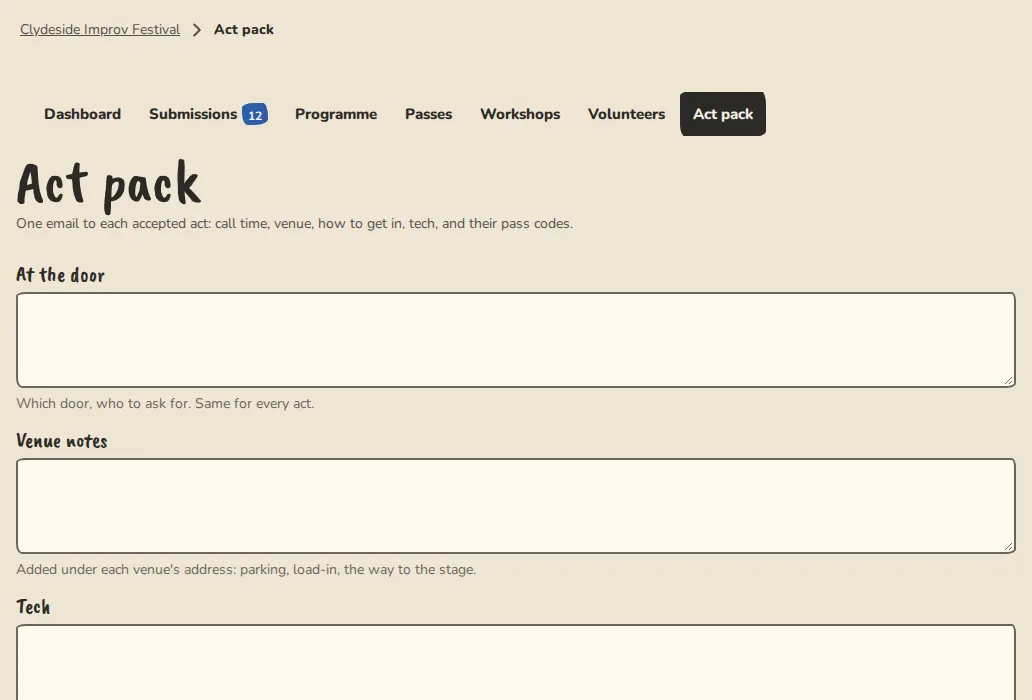
Everything an accepted act needs to know, in one email.
Courses and a community for your students, the teams that play your stage, and the staff and rooms behind it.
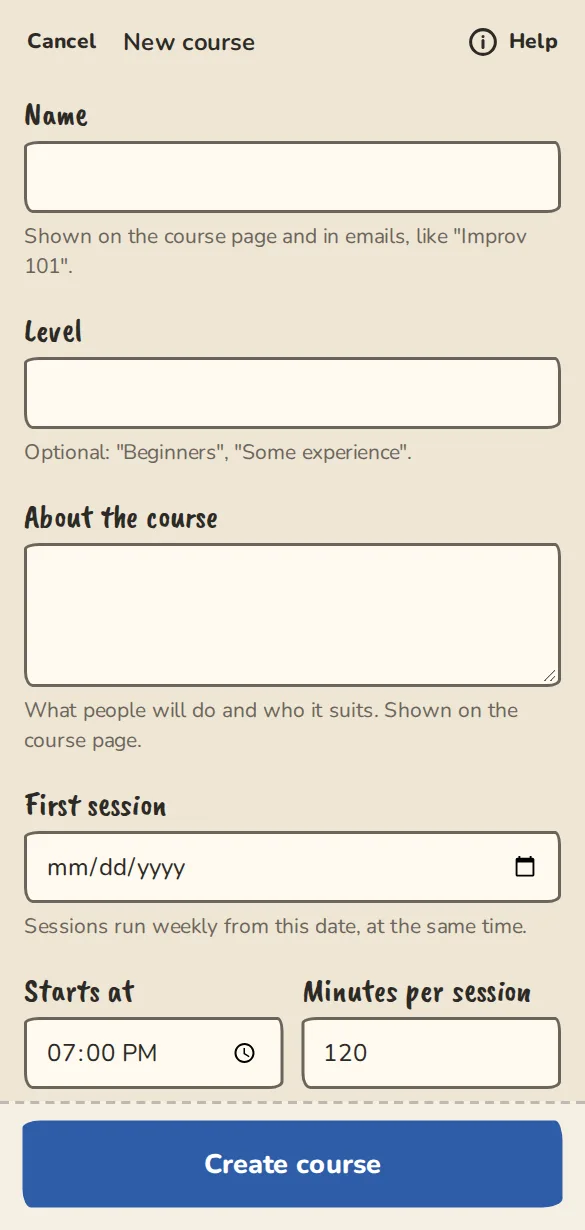
Weekly sessions with places, a waitlist, a student list and instalments. Add a student yourself, and see who owes what in the Money tab.
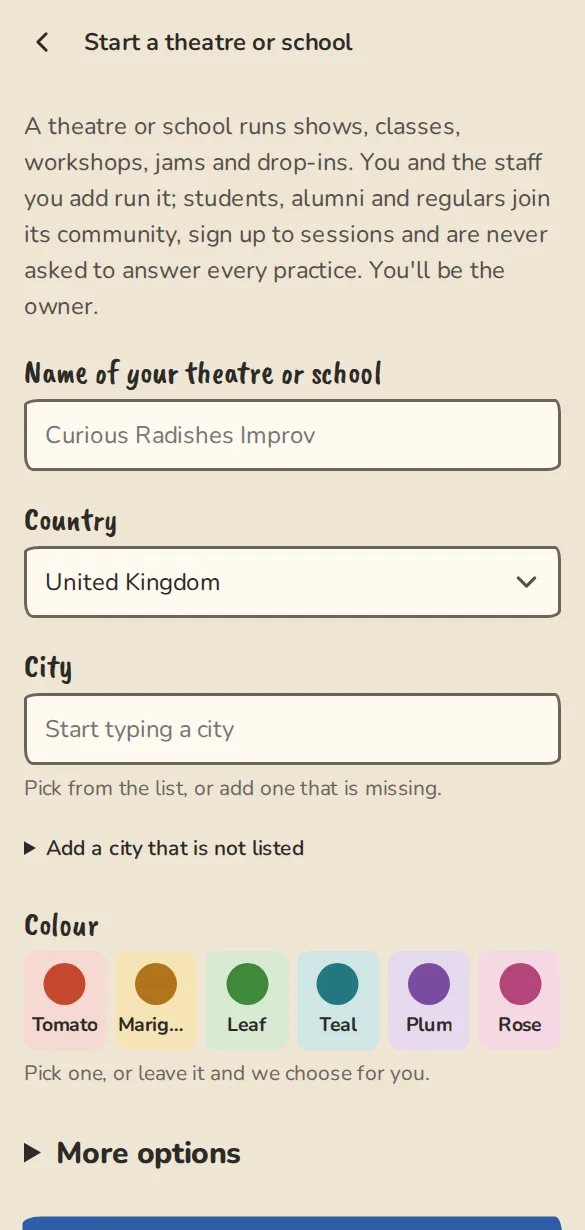
Invite a team to be a house team. Once they accept, both public pages say so. A team can run a show at your theatre, or link one it runs elsewhere, once you approve it, and you choose who sells the tickets.
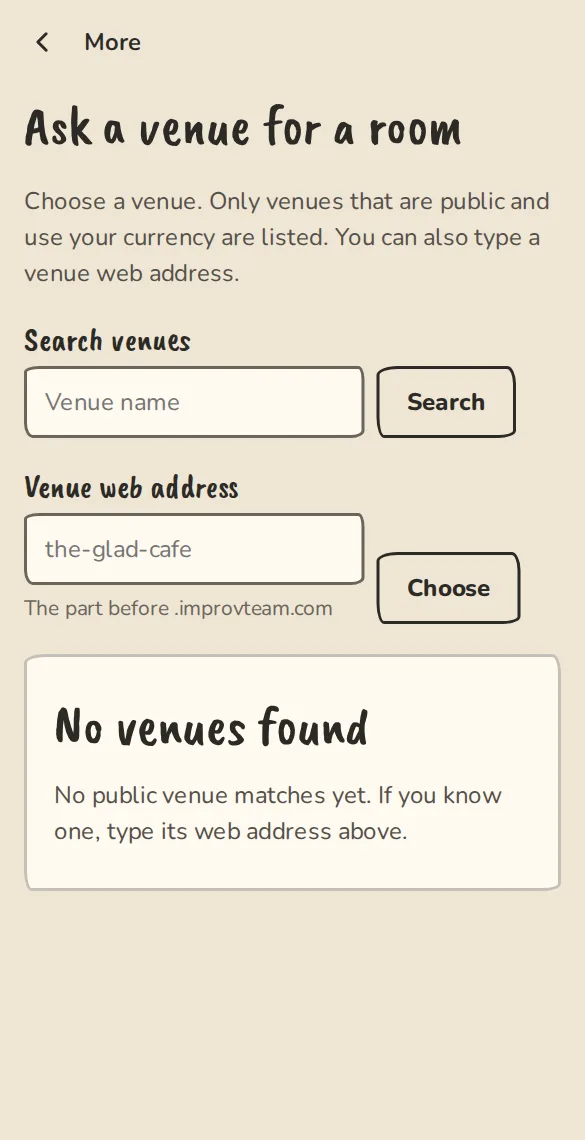
A public “Hire a room” enquiry form, then an agreement, a deposit and a balance, and invoices with your VAT number and VAT lines. A report shows income by room.
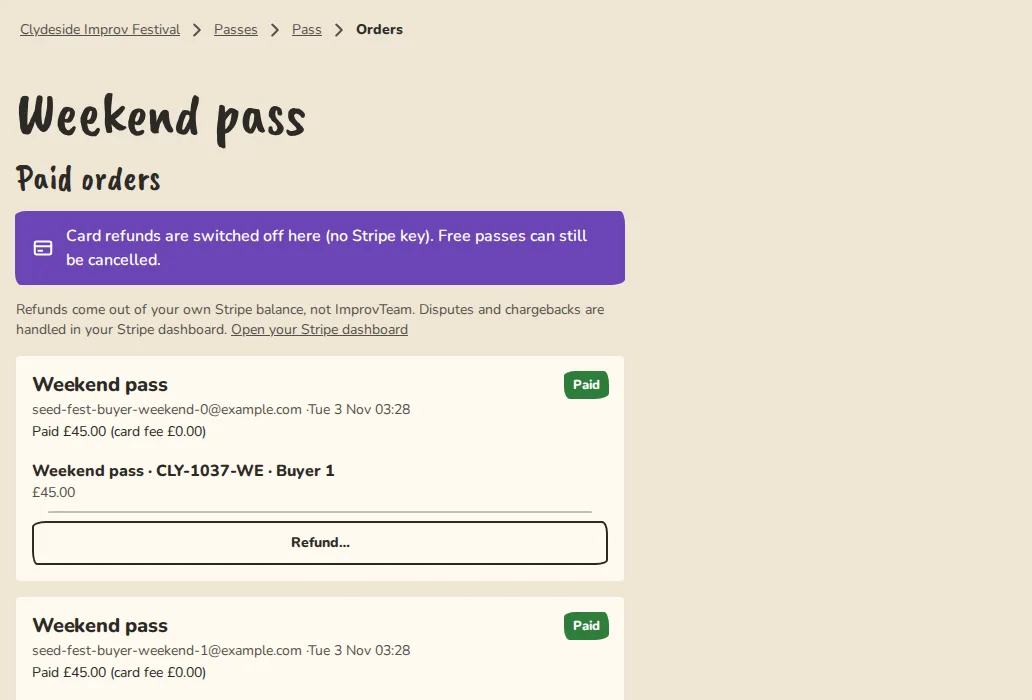
Sell a pass for several of your shows, such as any five shows in a term. Staff scan it at the door.
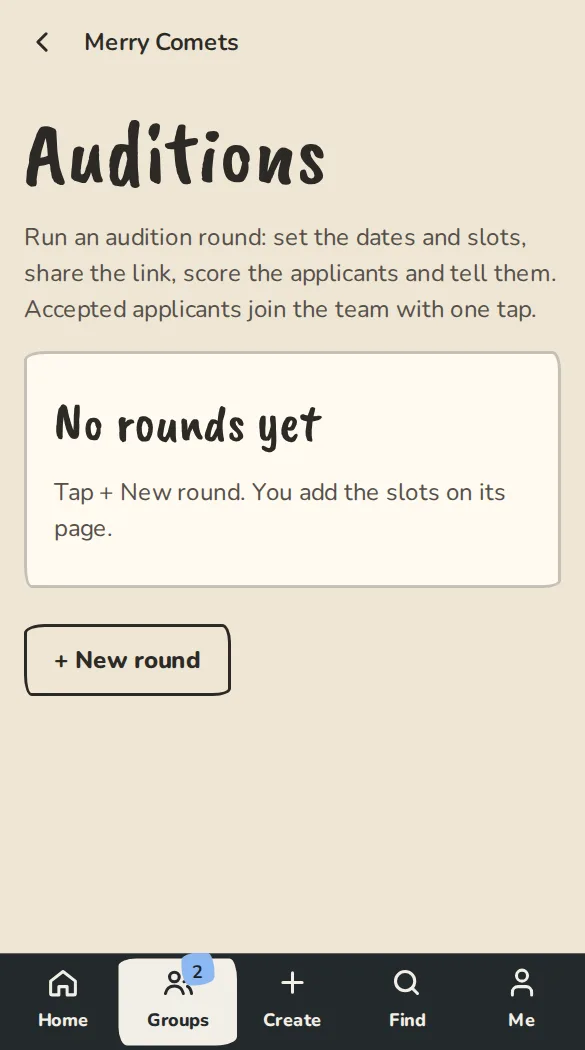
Open a round, offer slots and send the outcomes. Applicants can drop a slot in one tap.
Give door, box office and bar staff a narrow role for your shows.
Be found in your city, take bookings and be paid directly.
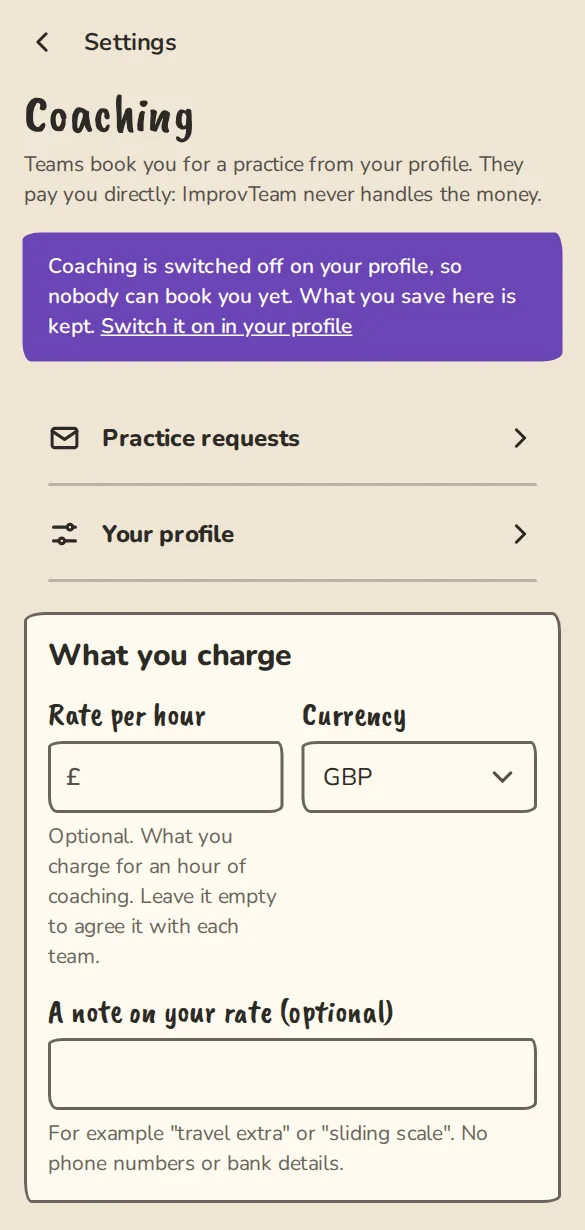
A public profile with your photo, a short about, your city, your rate by the hour and the days you are free. It is listed in your city’s coach directory.
A team sends a request for a practice from your profile. You accept or decline, and we tell the team.
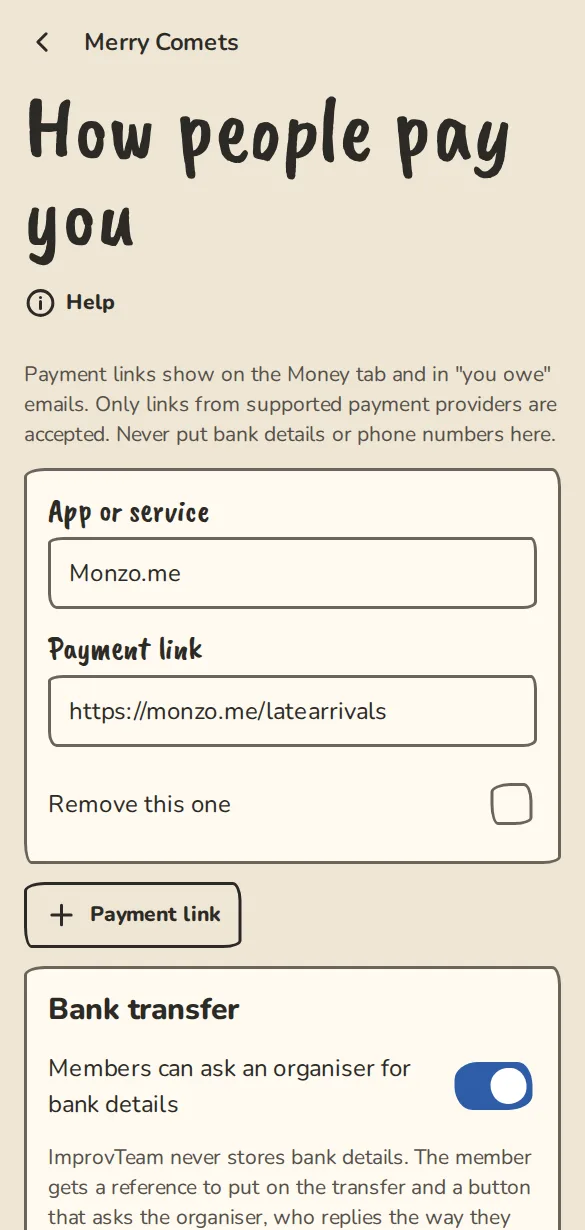
Teams pay you by your payment links, in cash or by card into your own Stripe account. The money never passes through ImprovTeam.
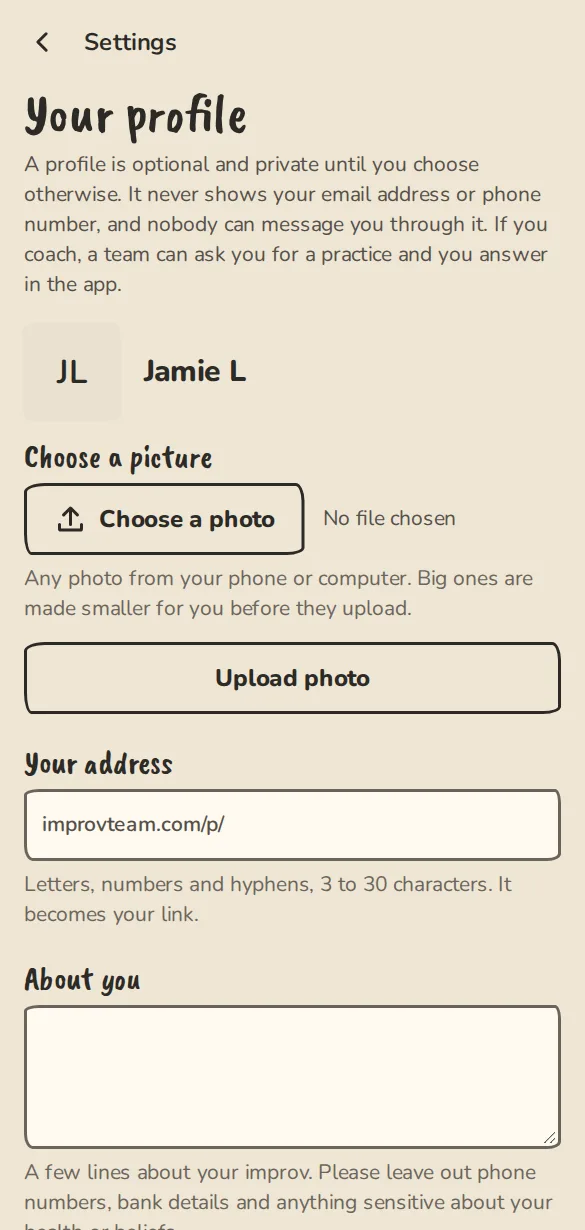
“Has coached” counts the groups that booked you, taken from real bookings. A website badge shows once you have proved the site is yours.
Musical directors, photographers, videographers, lighting, sound, technicians and designers get a profile, a rate and a place in the freelancers directory.
Plan a class block by block with a running total, teach from your phone with a timer per block, keep templates and a house curriculum, and see what each class covered.
A sandbox is your own private copy of a team, a drop-in, a show, a festival, a theatre or a camp. Nothing you do in it is sent or charged.
Building something? There is an API and a widget.