A season pass lets someone into a run of your shows, or a set number of visits to any show, for one price.
You are the seller. Card payments go to your own Stripe account, or buyers reserve and pay you directly. ImprovTeam never holds the money.
Make a pass
- 1
Open More, then Season passes, and tap New pass.
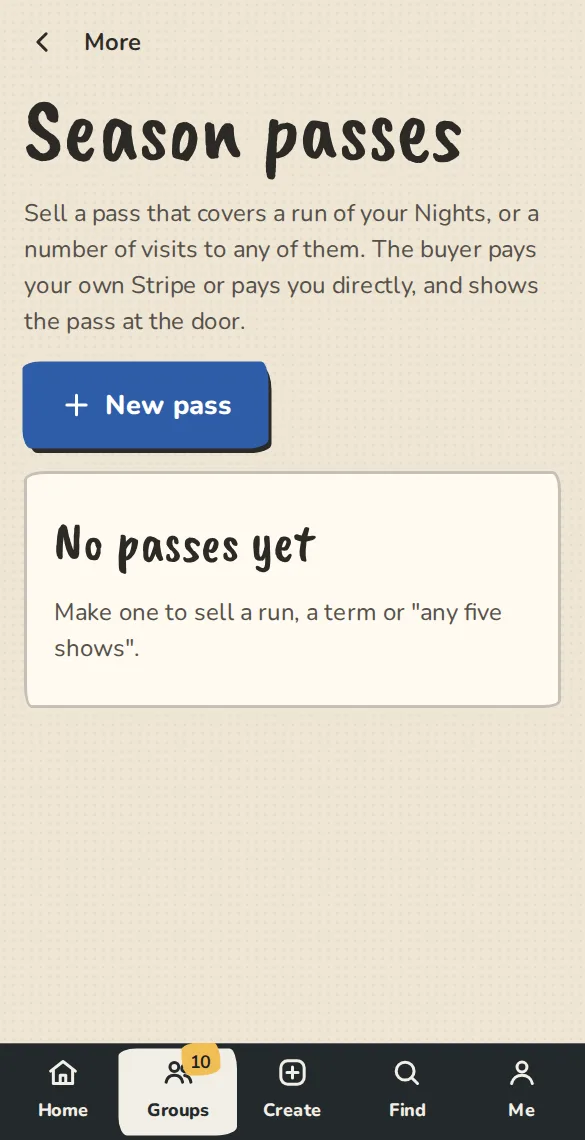
A theatre's Season passes page on a phone, with the button to make a pass. - 2
Give it a name and a price. Leave the price empty for a free pass.
- 3
Under What it covers, choose Named shows and tick which ones, or Visits to any show and say how many, between two dates. Leave the number of visits empty for as many shows as the holder likes, like a term pass.
- 4
If you like, set How many to sell, Most one person can hold, a Sales open on date and a Tax note such as VAT 20%. The note is shown under the price: we do not work out tax.
- 5
Tap Make the pass. Copy the buying link on the pass gives you the address to share or put on your site.
Buyers and holders
- 1
A buyer opens the link, picks how many and pays by card, or taps Reserve and pay to pay you directly. They get an email with their pass.
- 2
The pass has its own QR code and door code. Named shows come with a ticket each. For visits to any show, the holder opens their tickets page and taps Take this show.
- 3
To give one to a friend, a reviewer or a volunteer, open the pass and use Give a pass free with their email.
At the door
- 1
Open the show's scanner and scan the pass. It shows the pass and the visits left, and lets the holder in once for that show. Undo gives a visit back.
- 2
If a pass is not valid for the show, the scanner says why: cancelled, another theatre's, not covering this show, outside its dates or no visits left.
Good to know
Try it in a sandbox
Make a private copy with made-up people and follow these steps without changing anything real.
Still stuck?
Write to us from the contact page. Say which page you were on and what you tapped.