Ask the team a question: which night works for the Christmas social, or which format to do next. Admins start polls, and everyone in the team votes.
Start a poll
- 1
Open the team, then the Polls tab, and tap New poll.
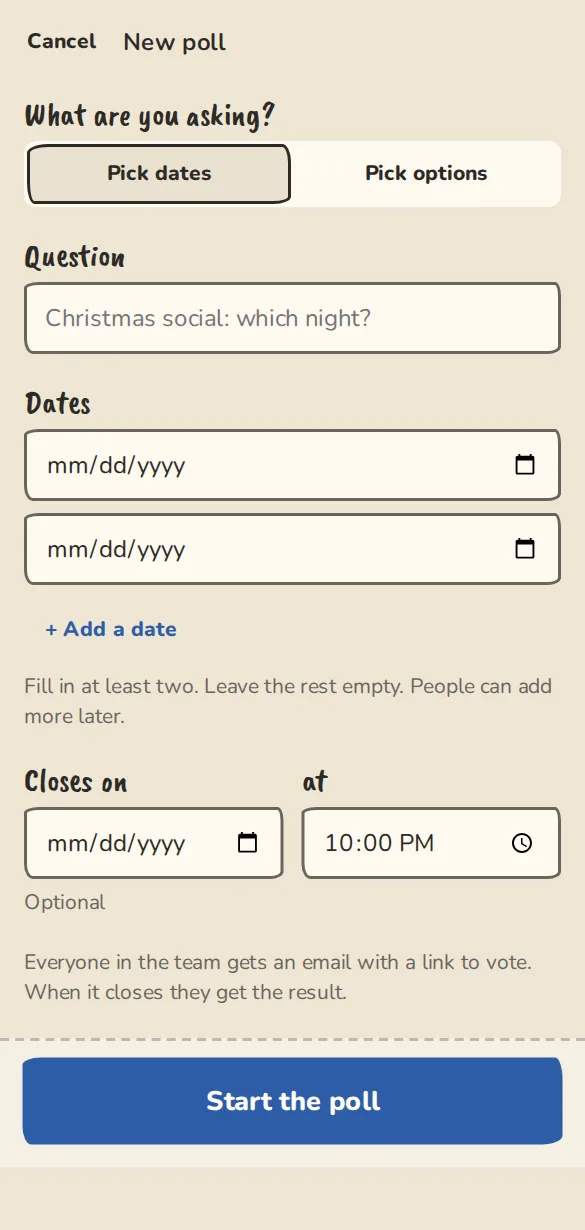
The new poll form on a phone: the question, date or option choices and when it closes. - 2
Under What are you asking? pick Pick dates or Pick options.
- 3
Type the Question, like Christmas social: which night?
- 4
Fill in at least two dates or options. People can add more later.
- 5
Set when it Closes on, then tap Start the poll. Everyone in the team gets an email with a link to vote, over the next few minutes.
Voting
- 1
Tap an option to add or remove your vote. You can pick as many as you like.
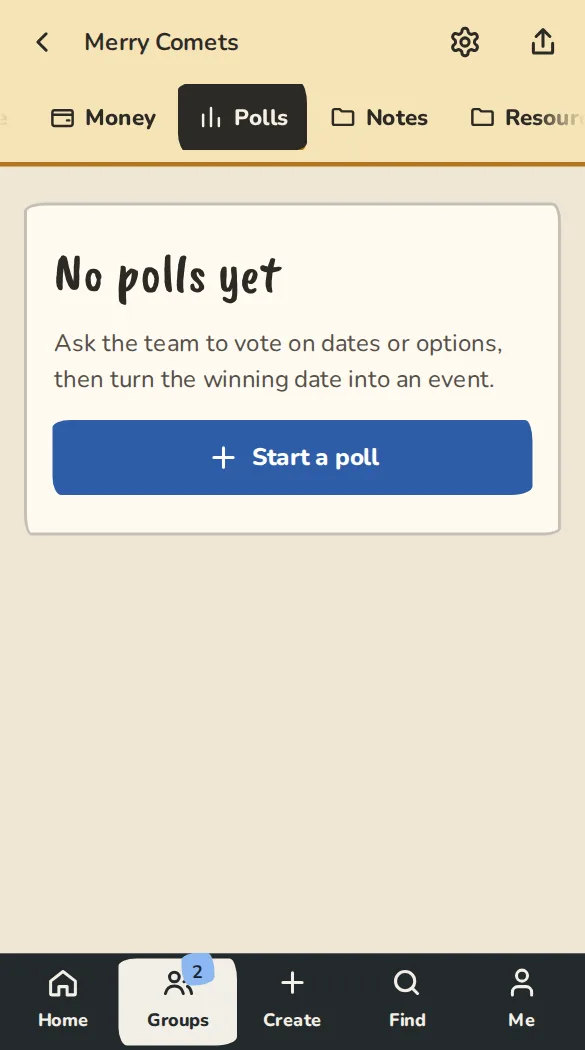
A team's Polls tab on a phone. - 2
In a date poll, Can't do any tells everyone you are out.
- 3
To add a missing choice, tap Add an option.
Editing and deleting
- 1
Open the poll and tap Edit this poll. Change the question or the closing time, rename an option, tick Remove option to drop one, or fill a New option box to add one. Tap Save changes.
- 2
A renamed option keeps its votes. If you remove an option that has votes, you are told how many votes go and asked to confirm. Nobody is emailed about an edit, and the link in the original email still works.
- 3
A closed poll can still have options added, renamed or removed, but its closing time stays and people cannot vote on it, so a new option gets no votes. The result is worked out again from the votes that are left. Delete this poll at the bottom of the edit page removes the poll and its votes (an event made from it stays).
Closing and the result
- 1
The poll closes at the time you set. An admin can close it early with Close the poll now.
- 2
Everyone gets the result by email within about ten minutes.
- 3
For a date poll, an admin can tap Make this an event. It opens a new event on the winning date with everyone who picked it marked Yes. You check the details before anyone is emailed.
Good to know
What it doesn't do yet
Try it in a sandbox
Make a private copy with made-up people and follow these steps without changing anything real.
Still stuck?
Write to us from the contact page. Say which page you were on and what you tapped.