"Find and book" is the list of directories: teams, coaches, show venues, rehearsal spaces, the team finder, what's on, online sessions, courses, auditions, festivals and formats. Most are sorted by city.
Anyone can look without an account. Booking a room or a coach needs a group you run.
Open a directory
- 1
On a computer, Find and book is in the side bar. On a phone, tap the Find tab. Signed out, use the Directories menu at the top of the page. Open Find and book
- 2
Pick one. If we know your city (the one you picked before, or your first group's), it opens there straight away.
- 3
If not, choose a city and tap Show, for example Show Teams and groups. Signed in, we keep it as your city for next time.
- 4
To change city, pick another under City and tap Go. Near you goes back to your own city, and the All of link (for example All of United Kingdom) lists the whole country.
What each one has
- 1
Teams and groups: teams, drop-in groups, theatres and schools, festivals and show venues that list themselves publicly. Join a drop-in, ask to join a team, or follow one.
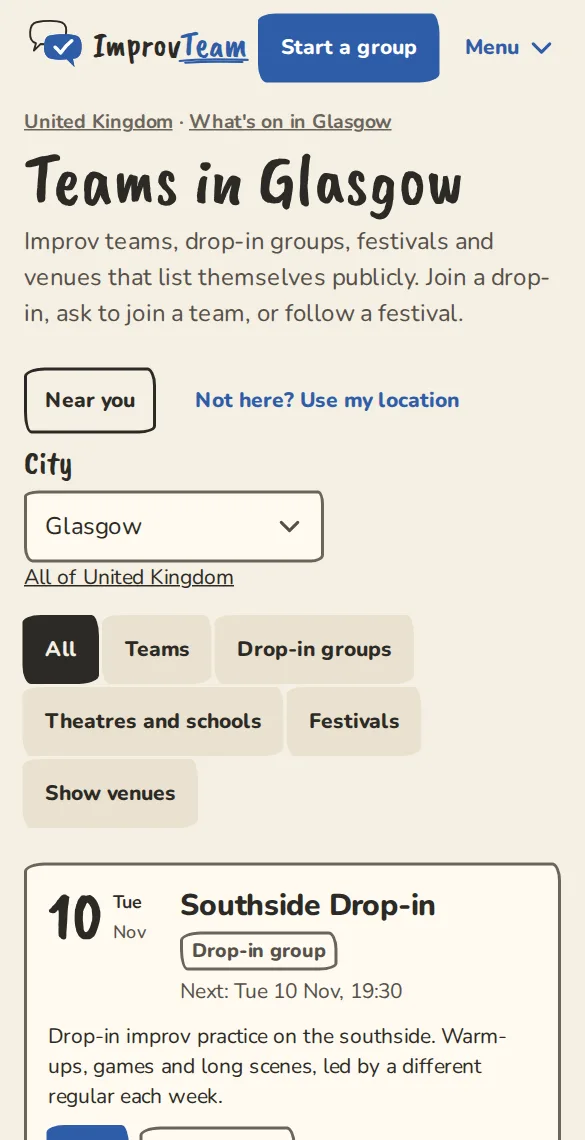
The teams directory for Glasgow on a phone. - 2
Book a coach: coaches with a public profile. Filter by the most you will pay an hour or the day they are free, then open a profile and tap Book for a practice. Only a team's organisers can book.
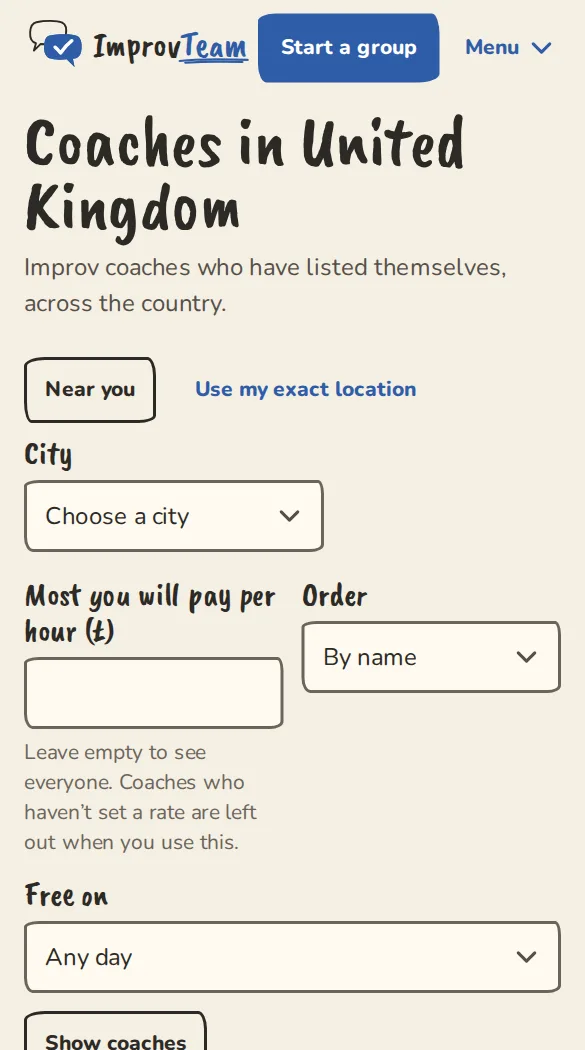
The coaches directory on a phone. - 3
Show venues: theatres and rooms to hire for shows. Tap Book a room, say which of your groups is asking and when, and the venue says yes or no. Any payment is between you and the venue.
- 4
Rehearsal spaces: rooms for rehearsals, with the prices and contact details each space publishes (Book online, Email, Call, WhatsApp). You contact the space yourself.
- 5
Team finder is the city's board, What's on is the city page, and Online sessions lists online and hybrid sessions from every group.
- 6
Courses and workshops lists classes and workshops with places left, Auditions the open rounds closing soonest first, and Improv festivals the dates and when you can apply. Before a festival takes submissions, tap Email me when submissions open for one email when it does. A theatre's courses page has Tell me when the next course opens too.
- 7
On Improv festivals, tap Open calls to see the calls open now with the soonest deadline first. Filter by what the festival takes (troupes, duos, solo performers, workshops), free to apply, or closing within 14 days. Fees, waivers and formats are as each festival states them, with the date we last checked.
- 8
Formats library: show formats that teams have shared. Read one, then tap Fork to your team for a copy you can change.
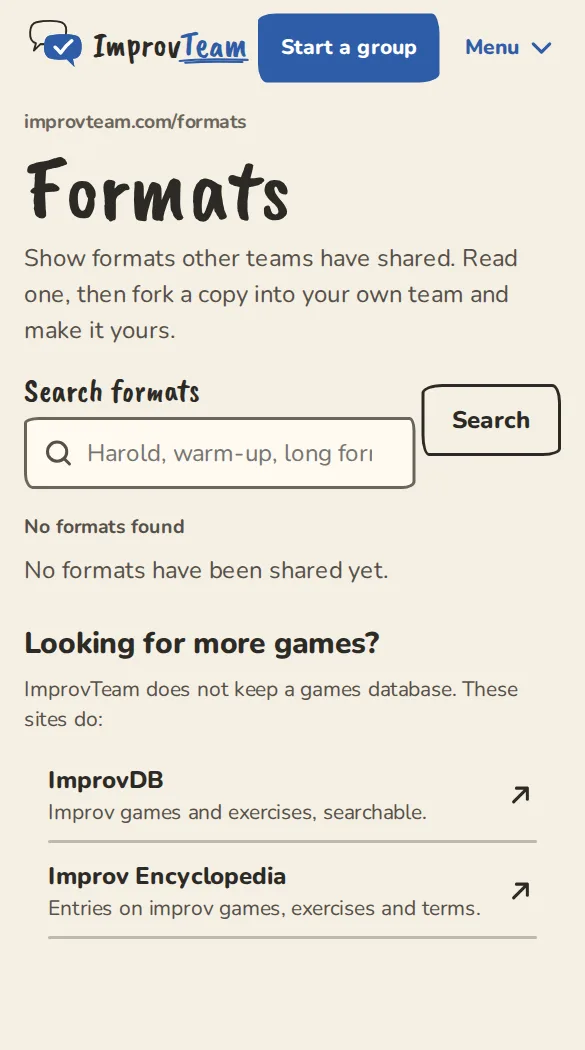
The public formats library on a phone, with a search box.
Add what is missing
Directories mostly fill up as groups list themselves. You can add two things by hand.
- 1
A rehearsal space: open Rehearsal spaces for your city, tap Suggest a space, fill in the details the space publishes and a link to where you found them, and tap Send suggestion. You need to be signed in.
- 2
An admin checks every suggestion before it goes live. You can suggest 5 a day. Add only the space's own published business details, never a personal mobile.
- 3
A theatre's calendar: open a theatre listed by hand, tap Add your calendar, paste the address of its public calendar (an .ics link, its events page, or its Eventbrite organiser page) and tap Send for review.
- 4
An admin looks at it first. Once approved, its shows (title, time, place and a link back) appear on the listing.
Good to know
What it doesn't do yet
Try it in a sandbox
Make a private copy with made-up people and follow these steps without changing anything real.
Still stuck?
Write to us from the contact page. Say which page you were on and what you tapped.