Headliners are the acts and people you put first: a big section at the top of your festival site, a line on the share image and in the directory, and a poster on the Promote page.
Each one is private until you make it public, so you can announce a headliner early, before anyone is placed in a show.
Name your headliners
- 1
On the festival dashboard, tap Headliners. Under Add a headliner choose what kind it is.
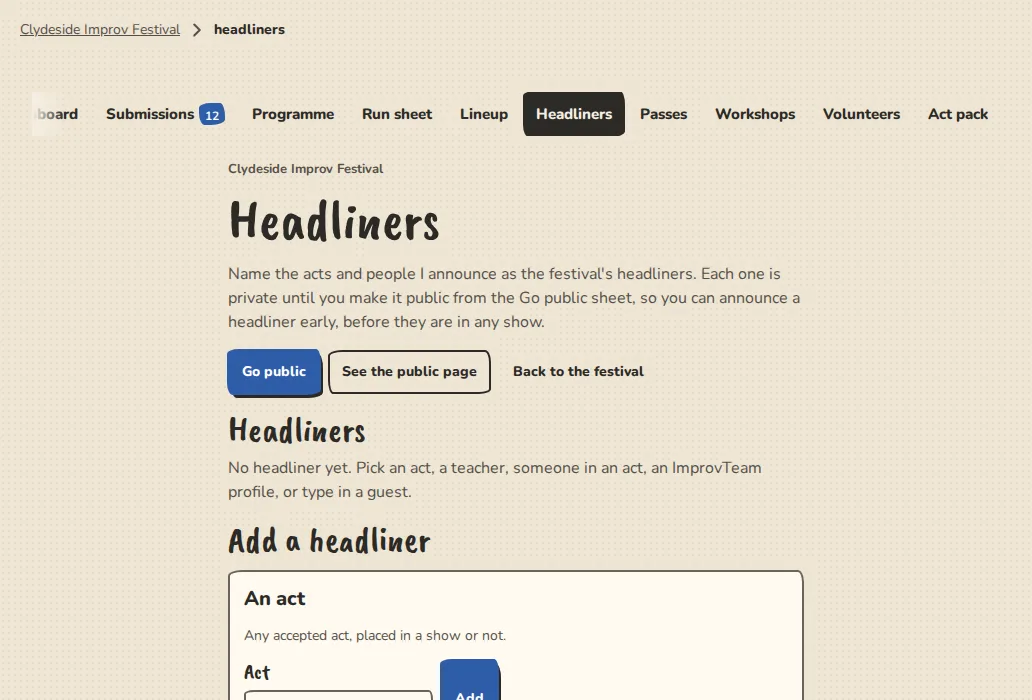
A festival's Headliners page on a computer, with the form to add an act, a teacher or a guest. - 2
An act is any accepted act, placed in a show or not. A teacher is someone you listed as an instructor on the website, with their photo and bio.
- 3
Someone in an act is a person from one of your acts. An ImprovTeam profile is a person's handle, and only a public profile can be added. For both, we show only what is on their public profile.
- 4
A guest is someone who is not on ImprovTeam. Type their name, a short line about them (up to 280 characters), an optional link and, only if they are happy for it to be public, a photo. We keep only what you type.
- 5
Drag a headliner, or use the move up and down buttons, to set the order. Take off removes one. You can list up to 24.
Make them public
- 1
They stay Private until you tick Headliners on the Go public sheet. Make all private again hides them and tells nobody.
- 2
When they go public, Promote the headliners gives you the poster and share picture.
For the people listed
- 1
Anyone on ImprovTeam is told by email or notification that they are listed. They get a page where they can see it and tap Take me off. The festival is told nothing except that they are no longer listed.
- 2
A guest has no account, so they cannot do that. If a guest asks to be removed, take them off here, or write to us and we will.
Good to know
Try it in a sandbox
Make a private copy with made-up people and follow these steps without changing anything real.
Still stuck?
Write to us from the contact page. Say which page you were on and what you tapped.