Some theatres, schools and groups are on a city page before they use ImprovTeam, listed by hand from their own website. If one of them is yours, you can claim it and your group takes its place.
You can also connect a calendar or a ticket site, so your shows appear without typing them in twice.
Claim a listing
You need to be an owner or admin of a public group in the same city. For a theatre or school, start a theatre or school group first.
- 1
Find the listing on your city page and tap Claim this listing. In the teams directory the link says Run it? Claim it. Find your city
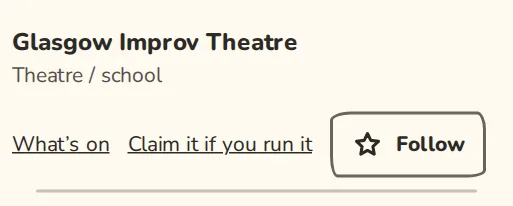
A city's teams directory on a phone: a theatre listed by hand, with its Claim link. - 2
Under Which group is it?, pick your group.
- 3
In Anything that helps us check, say how we can tell it is yours, for example where your website links to your group. Tap Send claim.
- 4
An ImprovTeam admin checks it, and you get a message with the answer. Until then you can Withdraw the claim from the same page.
- 5
Once approved, your group replaces the listing on the city page. Its calendar feeds and upcoming shows move to your group, and everyone who followed the listing gets one message inviting them to join you.
Not ready to claim?
- 1
Open your listing's page from the city page and tap Add your calendar.
- 2
Paste the address of your public calendar, your website's events page or your Eventbrite organiser page, and tap Send for review.
- 3
Once an admin approves it, your shows appear on the listing with a link back to you.
Good to know
Try it in a sandbox
Make a private copy with made-up people and follow these steps without changing anything real.
Still stuck?
Write to us from the contact page. Say which page you were on and what you tapped.